Business operations
Run the integrated financial and operational workflows that make up the IES application.
RIGHTMV / DEMOS
RIGHTMV IN USE
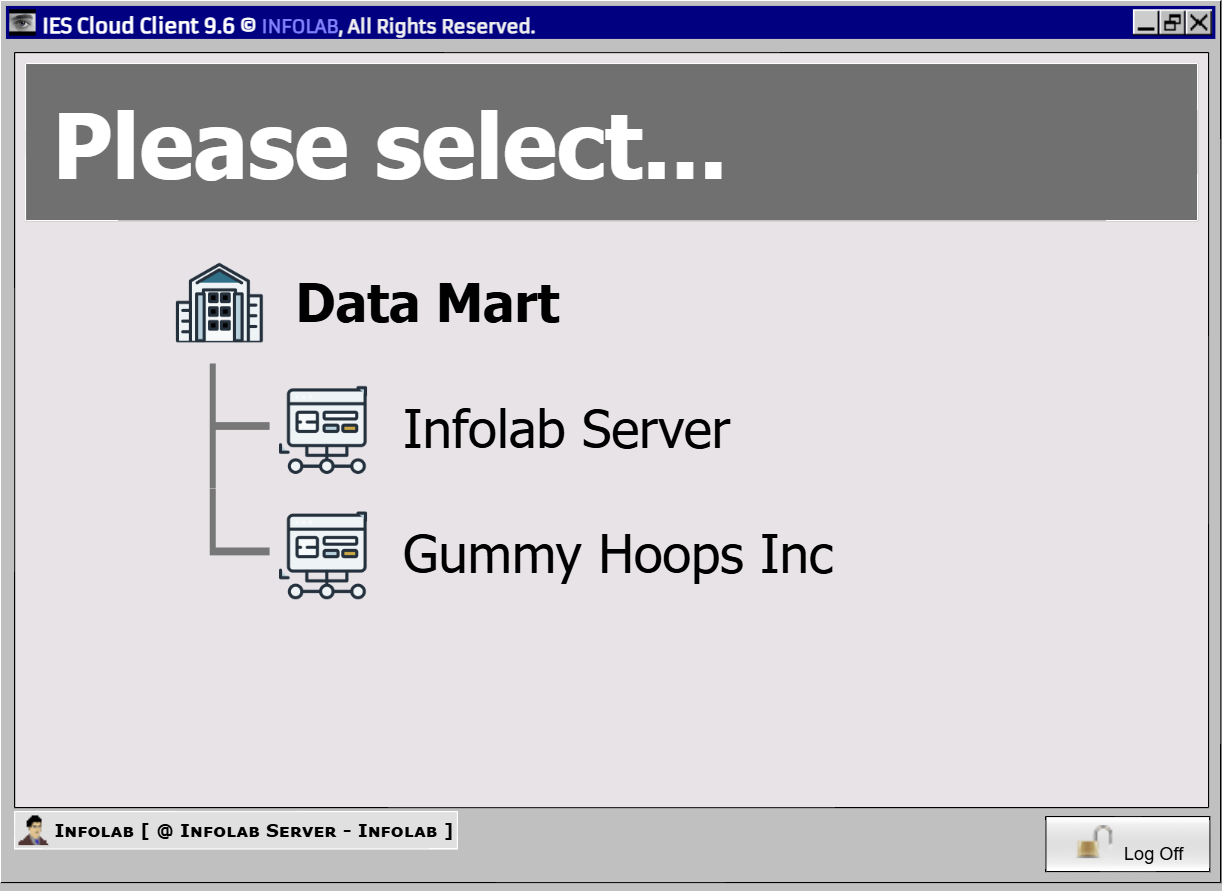
INFOLAB Enterprise Server (IES) runs on RightMV using Source execution and UberHash storage, with a responsive browser experience in Community Edition.
01 / IMPLEMENTATION NOTE
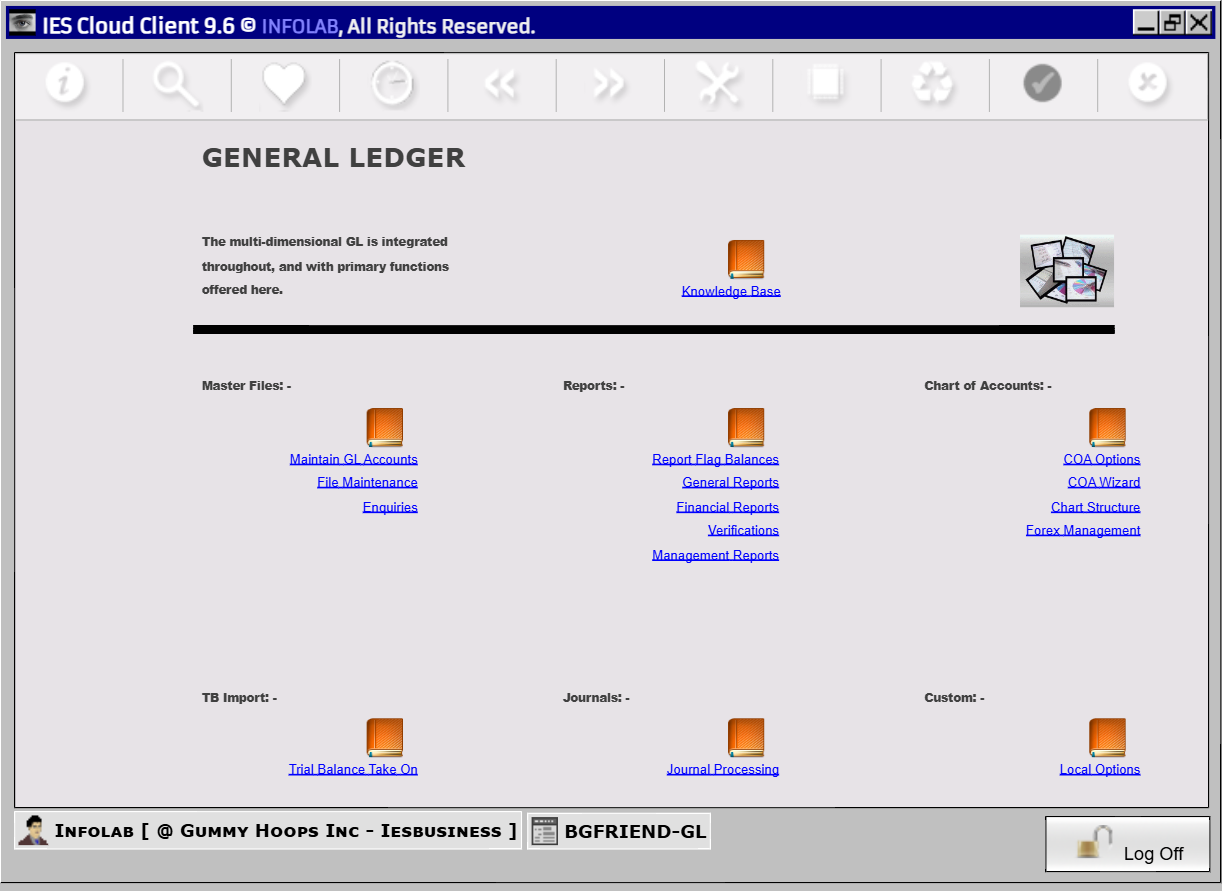
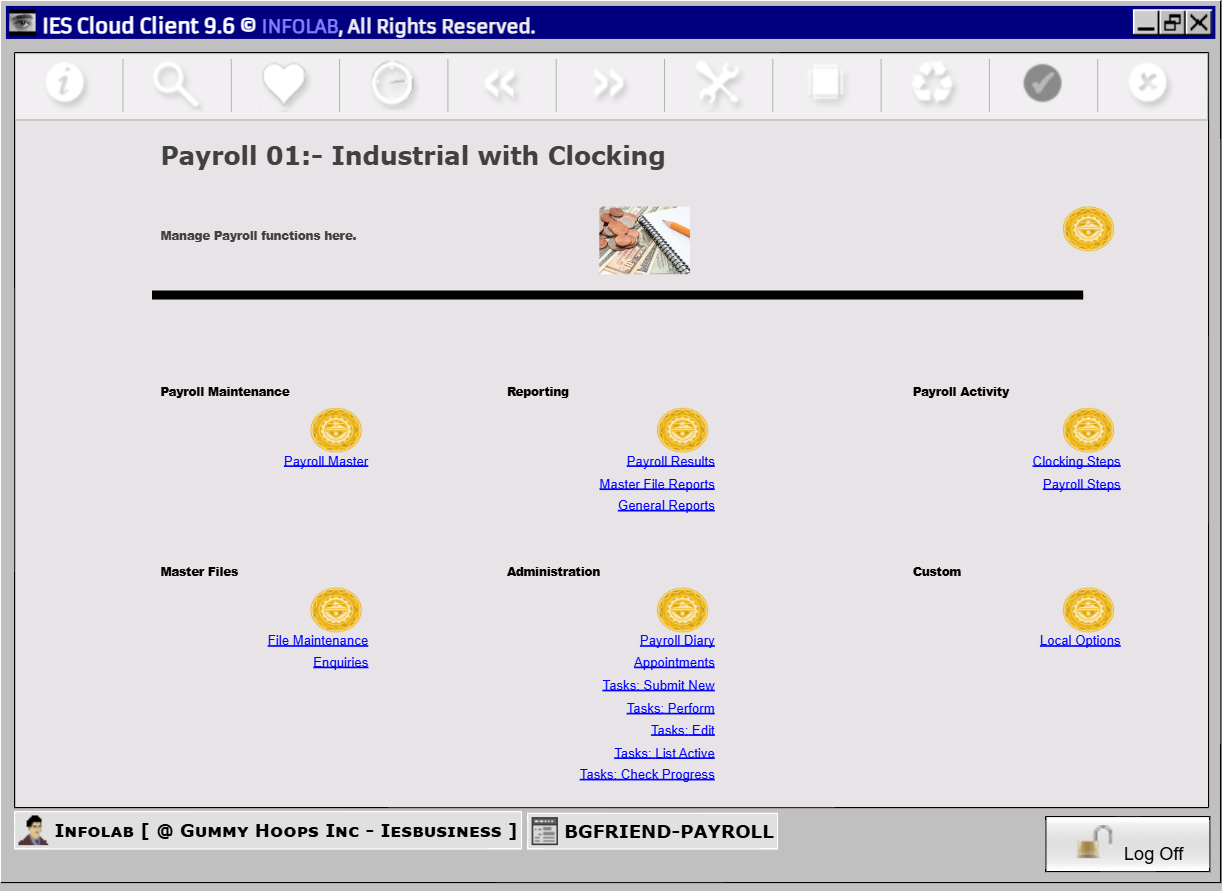
INFOLAB Enterprise Server spans General Ledger, debtors, creditors, inventory, purchasing, retail, assets, cash book, budgeting, job costing, reporting, automation and administration.
The useful test is not how many screens open. It is whether an operational event remains coherent across business records, sub-ledgers, control accounts, financial reporting and audit history.
Run the integrated financial and operational workflows that make up the IES application.
Build and organise reports using report writers, templates, selectors and the Report Warehouse.
Turn MultiValue data into queries, management views, chart-driven pages and exports.
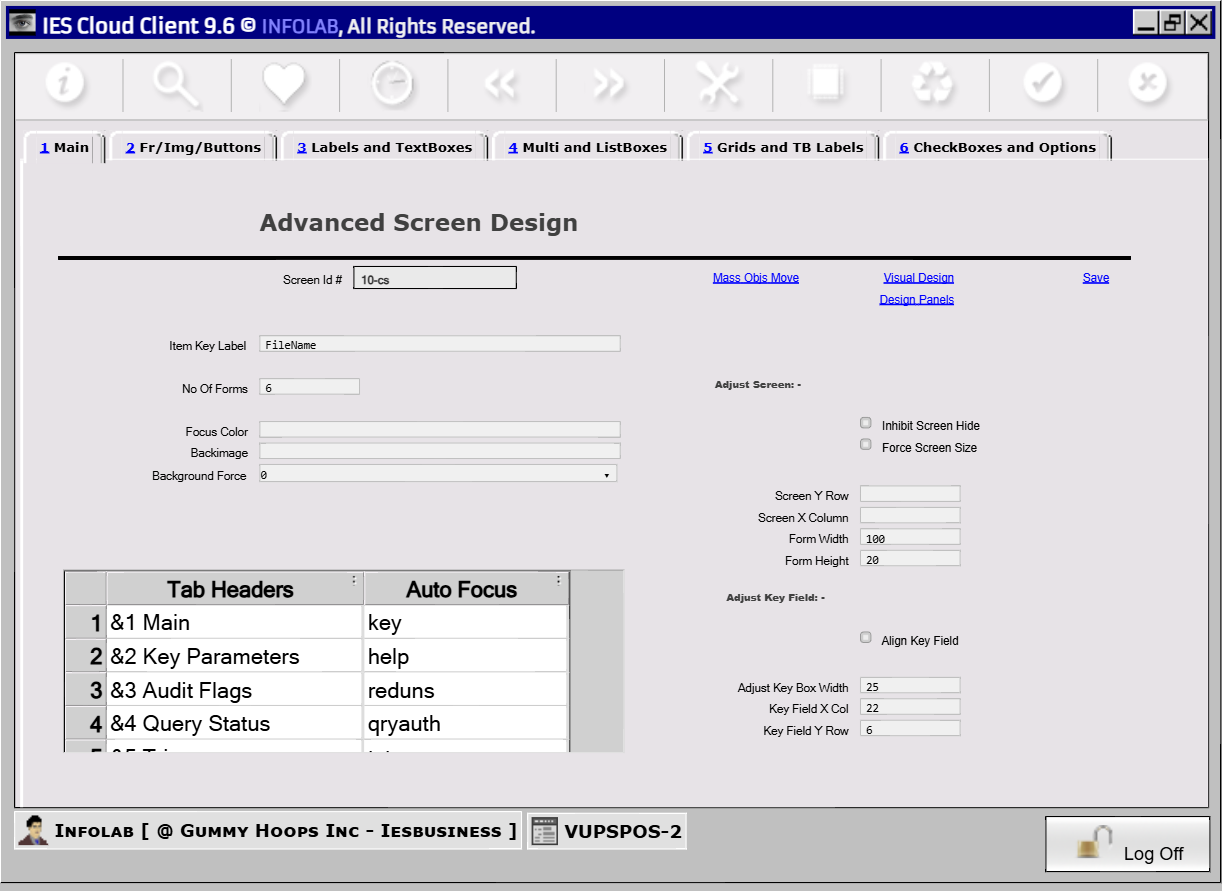
Create screens and application flows from reusable dictionaries, rules, expressions and metadata.
Manage users, profiles, menus, authority, DataMarts, indexes, locks and operational controls.
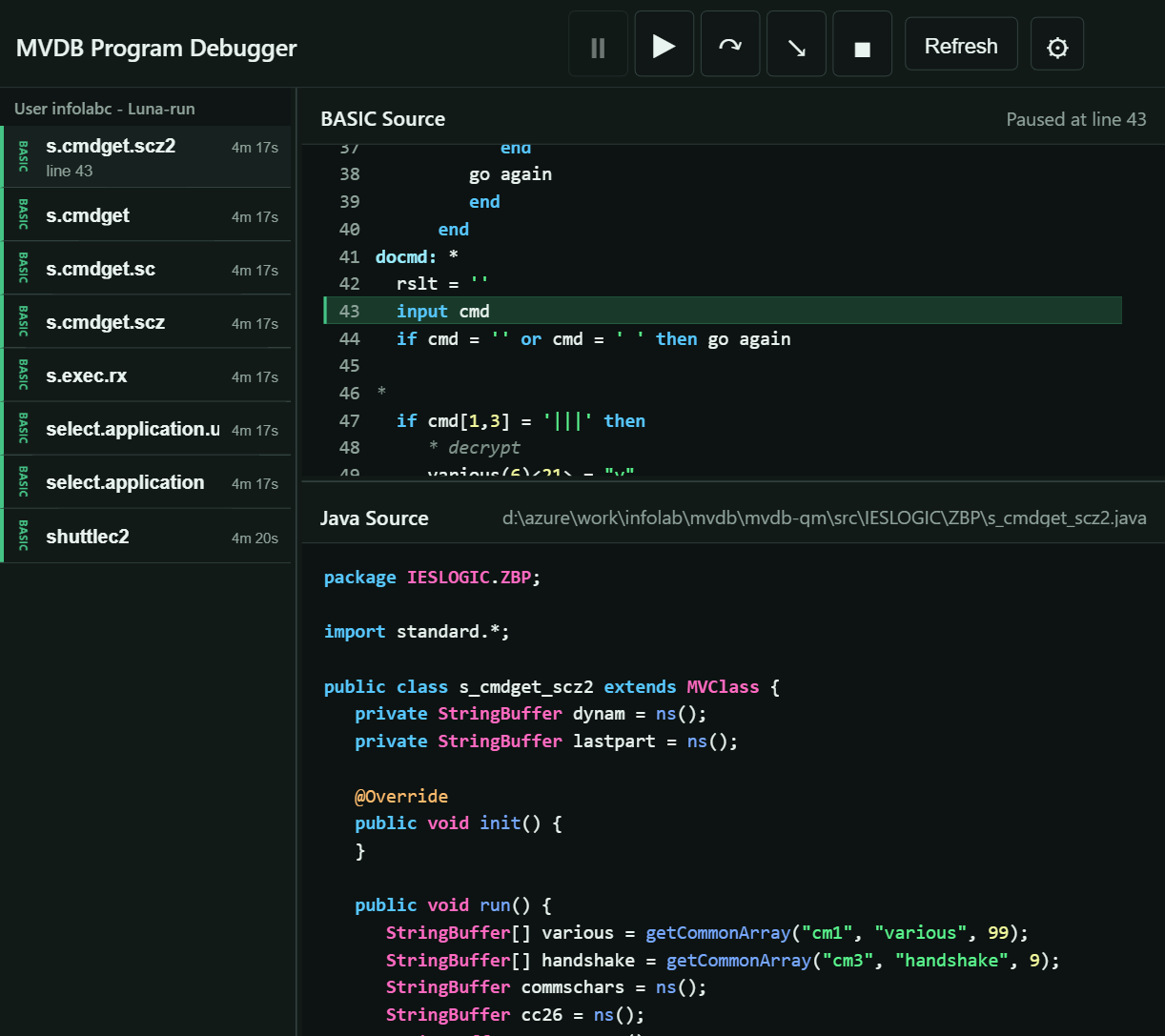
Work with MV BASIC programs, screen definitions, dictionaries and the runtime from browser tools, including an integrated source debugger.
02 / APPLICATION PLATES

03 / THE IES LINEAGE
IES began on Pick R83 and moved through D3, Advanced Pick (AP), and OpenQM. Each generation carried the application forward, but deployment and growth were constrained by user counts and licensing.
Today, IES runs on RightMV without per-user constraints—on Windows or Linux, on premises, or in cloud environments such as AWS.
PERFORMANCE
View the benchmark results →